




Walk Digital helps businesses review, improve and migrate CRM and email marketing platforms.
We assess your current costs, contact database, data structure, automations, integrations, reporting and email deliverability. We then recommend whether you should improve your existing CRM or move to a platform that better fits your requirements.
In a recent CRM migration, we reduced a client’s monthly platform cost by more than 50% while retaining the same contact-record allowance and all the features and functionality the business required.
Tell us which CRM you currently use, what is not working and what you need your system to do.




.avif)







Work directly with a senior consultant who understands CRM strategy, email marketing, customer journeys, data and digital advertising.
Work directly with a senior consultant who understands CRM strategy, email marketing, customer journeys and data across every stage of your migration.
CRM decisions should not be made in isolation.
Your CRM needs to work with your website, advertising platforms, ecommerce store, sales processes, customer communications and reporting. Our experience across these areas helps us design systems around the complete customer journey rather than treating migration as a basic data import.












Our goal is to add value at every stage of your growth. If we believe we can't help you, we'll be honest and offer advice on how to prepare for the next stage of your growth journey
718% increase in new sales through Google and Social Media advertising, personalised content, advanced ad optimisation, data-driven custom audiences, and a proven lead acquisition framework.
Achieved a 4,000% revenue increase by utilising Google and Social Media advertising, lead magnets, and creating an automated customer journey that delivered personalised messages at the perfect time.
A huge 800% increase in email database in just 6 months. Achieved by creating a series of engaging stories, Google and social media ads, and promotional offers to drive acquisition and user sharing.
Their focus on return on investment and expertise in social media and digital advertising is outstanding.

The percentage increase in leads and sales was significant in the first month and kept getting better. Thanks again to the Walk Digital team.

Georgia was instrumental in introducing new marketing initiatives that increased our home entertainment revenue and profit.

We first identify what your business, team and customers need. We then assess which platform and setup can meet those requirements at an appropriate total cost.
Senior consultants and Walk Digital’s founders remain directly involved in the strategy and implementation. Your project is not handed to an inexperienced team member after the initial meeting.
We can provide an audit and migration plan for your team to implement, complete the migration for you or provide ongoing CRM support after launch.
There are no lock-in contracts.
Our work covers CRM strategy, customer journeys, email marketing, automation, advertising, ecommerce, tracking and reporting.
This allows us to assess how a CRM decision will affect the entire customer journey rather than focusing only on the software.
A CRM migration is the process of moving customer records, sales data, subscription information, automations and connected systems from one CRM platform to another.
It can include contacts, companies, deals, tags, custom fields, email templates, forms, sales pipelines, integrations and reporting.
A complete migration also involves cleaning, mapping, testing and reconciling the data before the old platform is switched off.
You should consider a CRM migration when your current platform no longer supports your business requirements or is costing more than suitable alternatives.
Common signs include:
A migration should only be recommended after checking whether these issues can be corrected within the existing platform.
Yes, in some cases.
The first step is to identify which features, integrations, users and contact limits your business actually needs. These requirements can then be compared across suitable platforms and pricing plans.
In a recent migration, Walk Digital reduced a client’s monthly CRM cost by more than 50% while retaining the same contact capacity and all required functionality.
The potential saving depends on your current platform, database size, features and integrations.
A structured migration processsubstantially reduces the risk of missing or incorrectly mapped data.
We back up the original records, document fields, clean the database, map information to the new CRM and complete a test import before migrating the full database.
Some types of historical activity may not transfer through a standard contact export. These limitations are identified during the audit so that separate exports, integrations or archived reports can be prepared where required.
The data that can be migrated depends on the old and new platforms.
Common data types include:
Historical email activity, detailed attribution and automation histories may require separate handling.
Historical unsubscribe, bounce, complaint and suppression records should be identified before active marketing contacts are imported.
These records are migrated or configured as exclusions so that people who previously opted out are not accidentally returned to active marketing lists.
We also review how marketing consent is captured through forms, integrations and ecommerce systems in the new setup.
It can.
A migration may change your sending infrastructure, authentication, sending patterns or email platform. These changes can affect how mailbox providers assess your messages.
Before sending, we review SPF, DKIM and DMARC authentication, contact quality, suppressions, sending domains and recent engagement.
Where required, sending begins with engaged contacts and expands gradually while delivery, bounces, complaints, clicks and conversions are monitored.
Yes.
Automations generally do not transfer as functioning workflows between different CRM platforms. They usually need to be documented, rebuilt and tested.
We can rebuild:
We also review whether the original automation should be replicated or improved before it is rebuilt.
The timeframe depends on the size and quality of the database, the number of integrations, the complexity of the automations and the availability of the internal team.
A straightforward migration may be completed over several weeks. More complex projects involving multiple pipelines, ecommerce data, extensive automations or custom integrations require a longer staged implementation.
We provide a proposed scope and timeline after the initial audit.
Not necessarily.
CRM problems are often caused by poor data structure, incomplete integrations, missing automation or an unsuitable setup rather than the platform itself.
We first determine whether your current CRM can meet your requirements at a reasonable cost. Migration is recommended when another platform provides a stronger commercial or technical fit.
We work with platforms including ActiveCampaign, HubSpot, Klaviyo, Salesforce, GoHighLevel, Zoho and Mailchimp.
We also connect CRMs with platforms such as Shopify, WooCommerce, Zapier, Meta and Google.
The final recommendation depends on your business model, contact volume, required functionality and existing systems.
We discuss your current platform, monthly costs, database size, essential features, integrations, automations and reporting requirements.
We also ask what is causing you to consider a change and whether you have already shortlisted another CRM.
This allows us to identify whether you need an audit, platform comparison, optimisation project or complete CRM migration.
Changing CRM without auditing your data, automations and integrations can create unnecessary risk.
Read our CRM Migration Guide to learn how to:
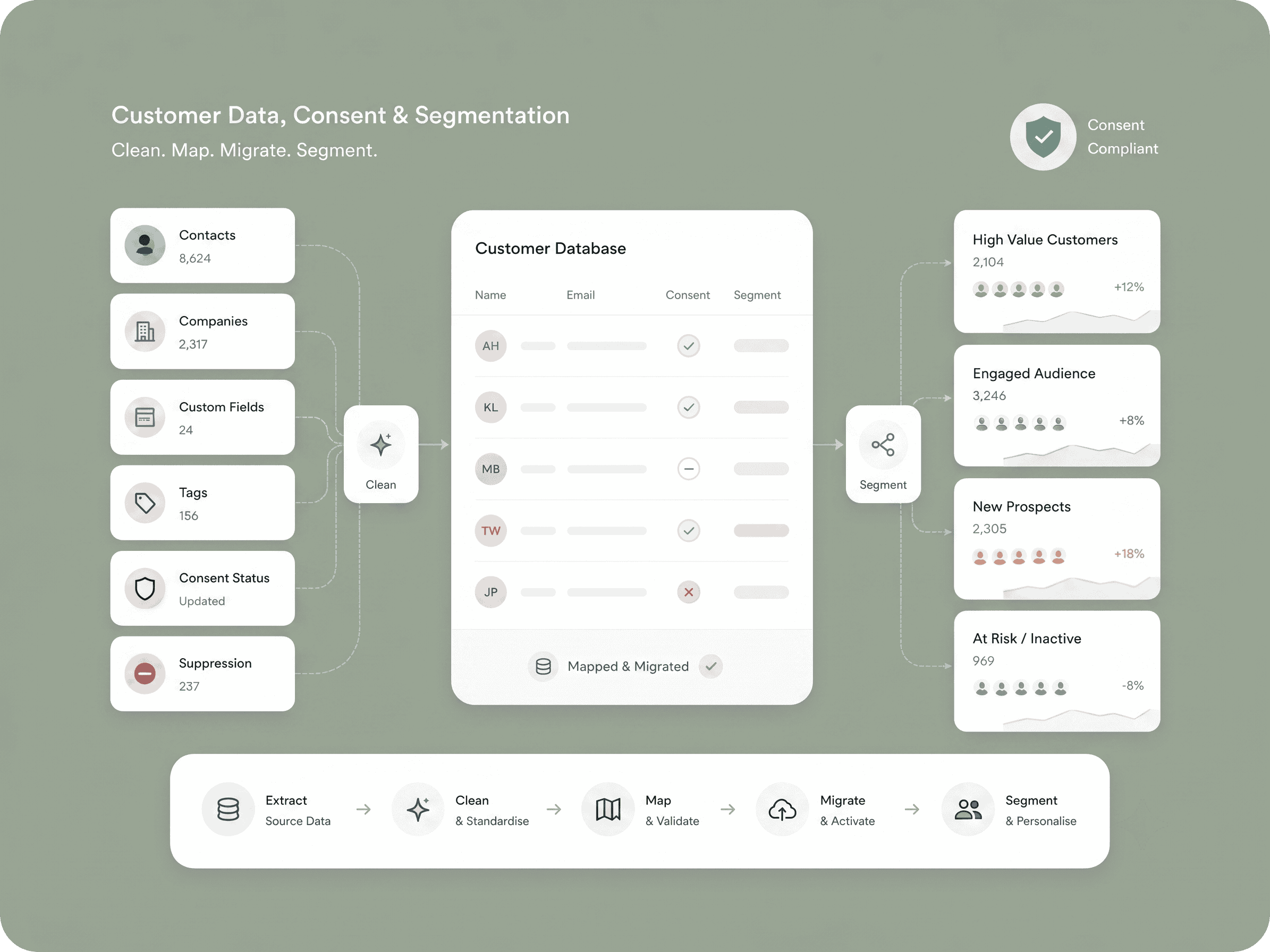
Clean, map and migrate contacts, companies, custom fields, tags, consent statuses and suppression records.
We structure the database so your team can segment contacts accurately and use customer information consistently.
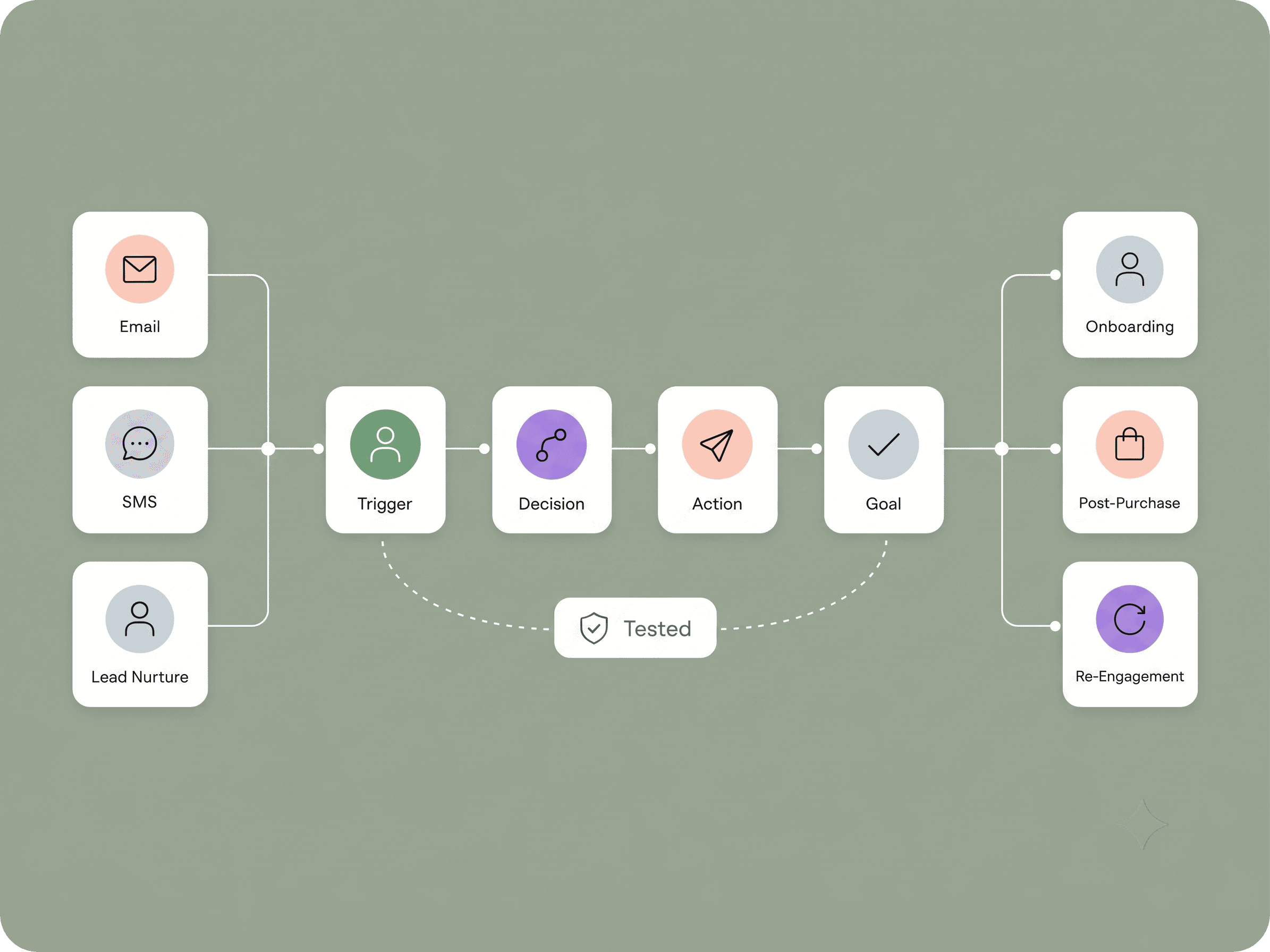
Rebuild and improve email, SMS, lead-nurture, onboarding, post-purchase and re-engagement automations.
Each workflow is tested before it is activated for live contacts.
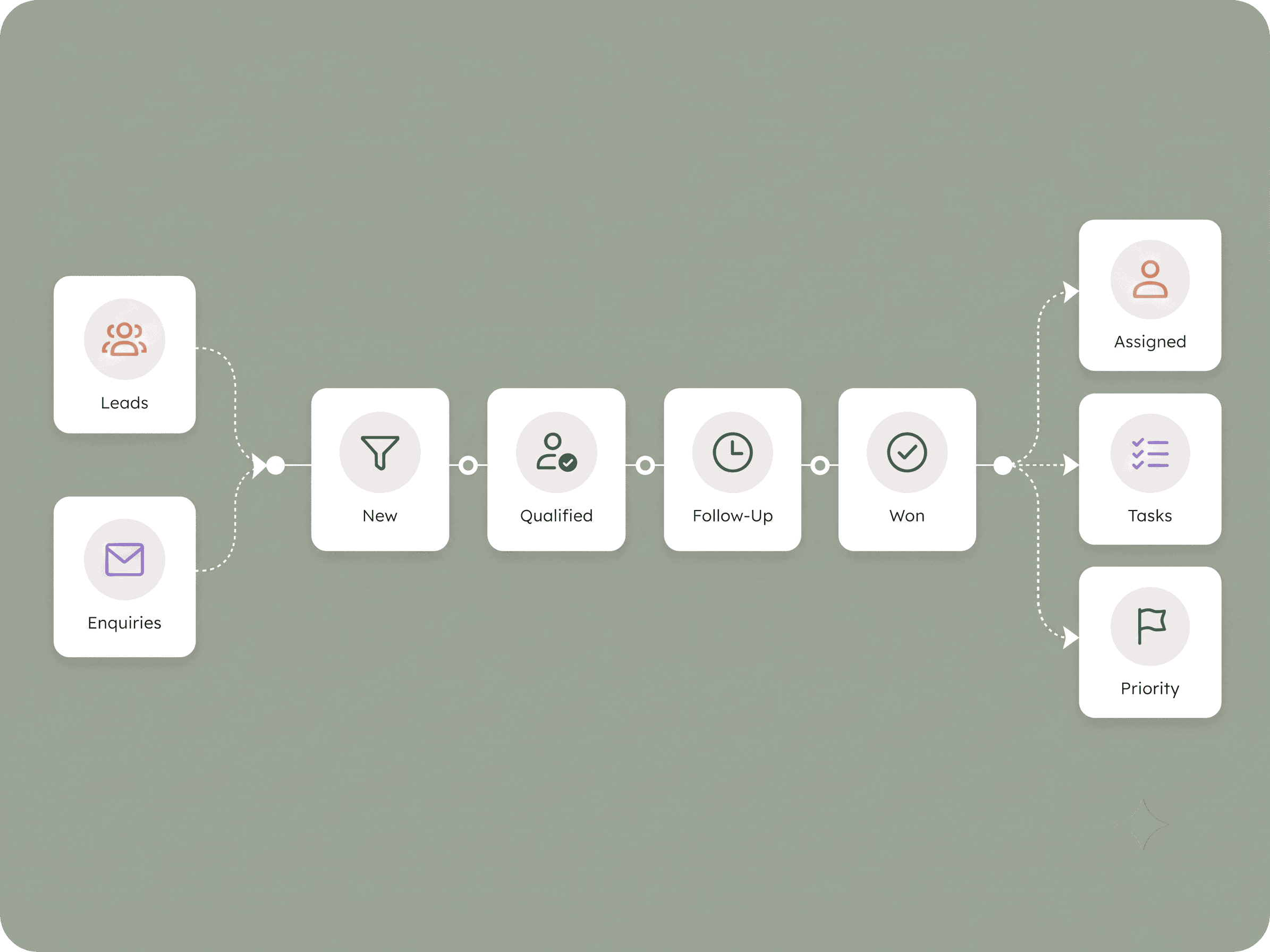
Create clear pipelines, lead stages, ownership rules, follow-up tasks and lead-scoring processes.
This helps your sales team identify priorities and follow up consistently.
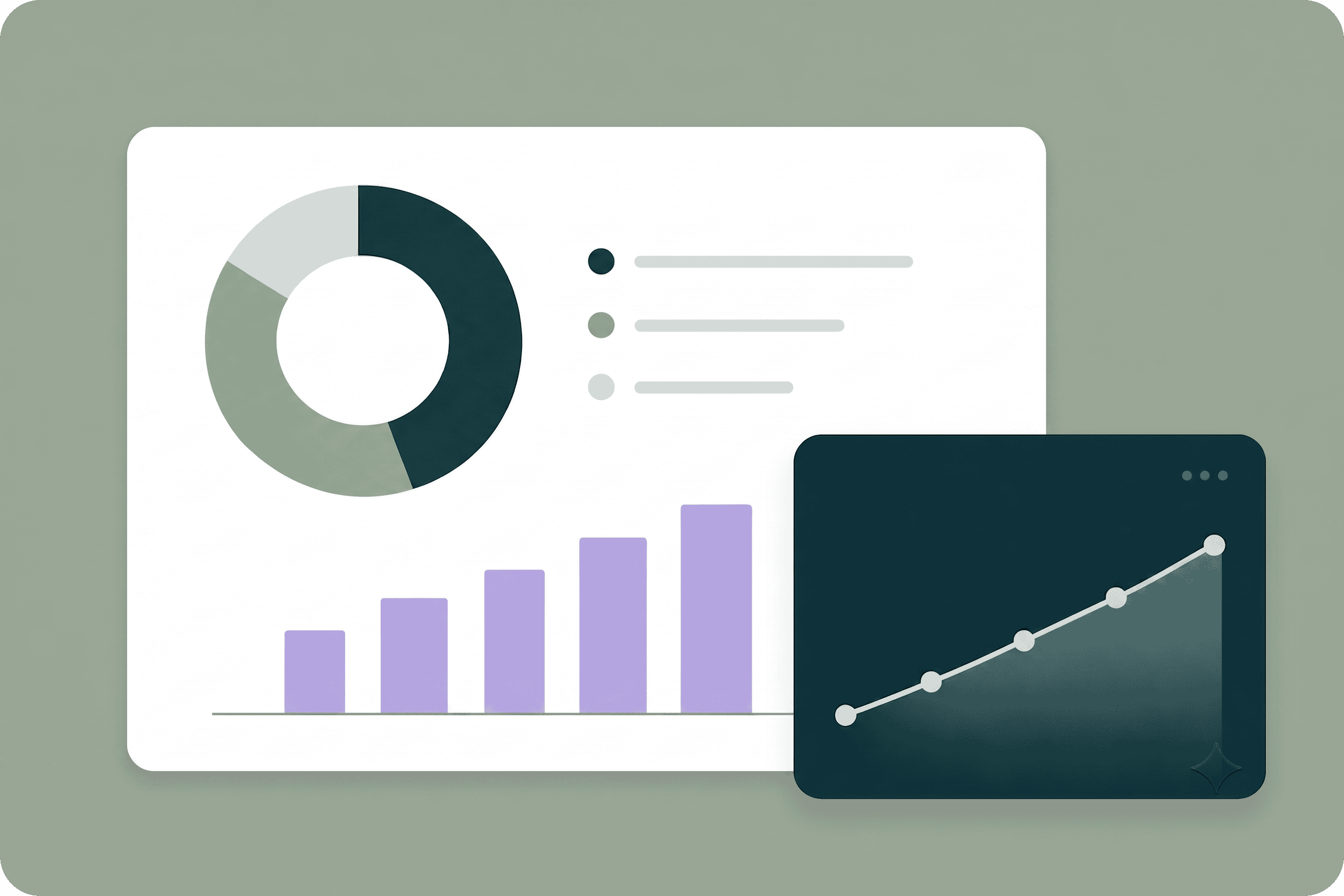
Build reporting that connects marketing activity, lead generation, sales and revenue.
This can include custom reporting dashboards that allow your team to see what is working, identify gaps and ask specific questions about performance.
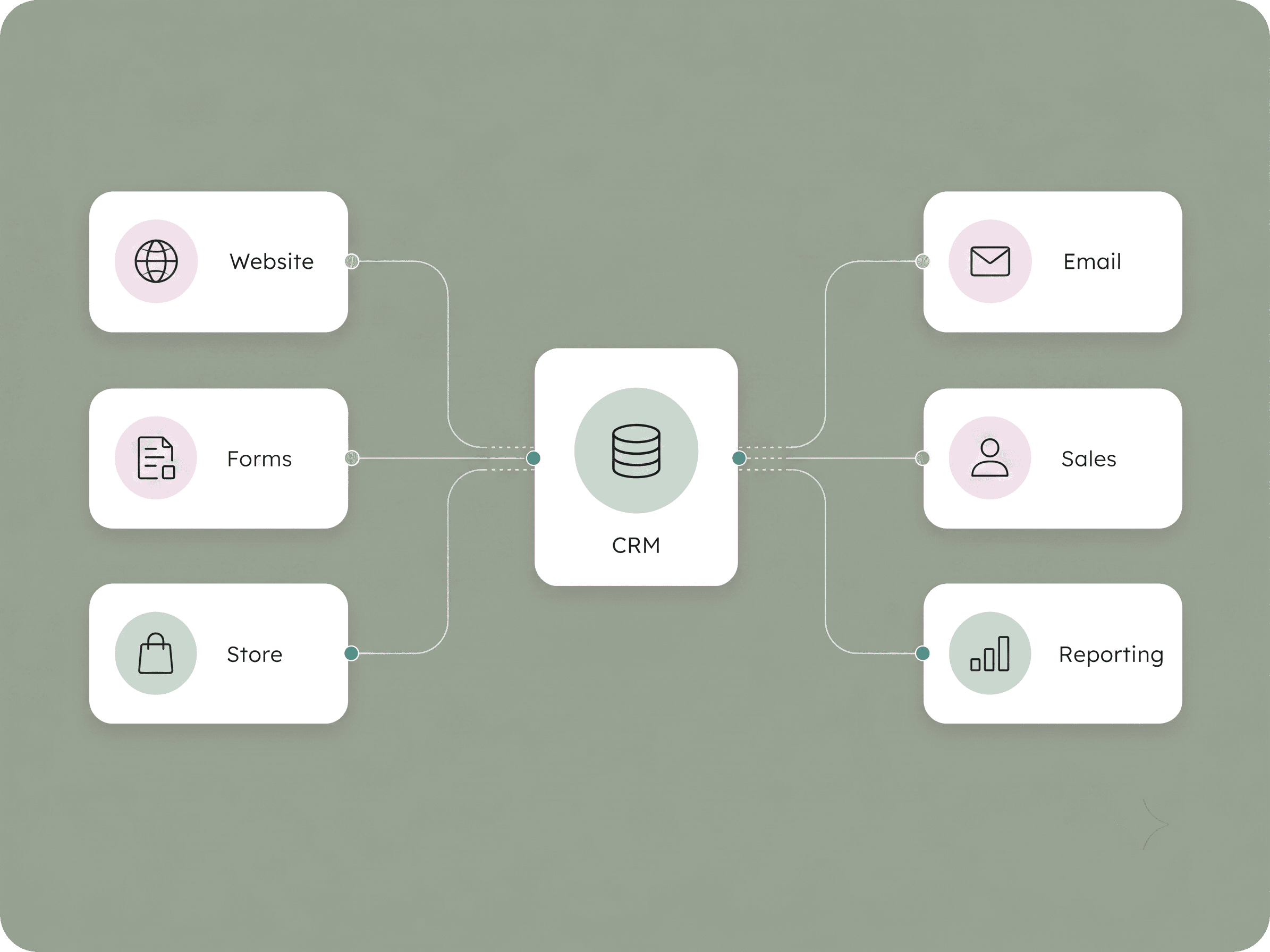
Connect your CRM with your website, forms, ecommerce platform, advertising accounts, payment systems and other business tools.
The aim is to reduce manual work and prevent customer data from becoming separated across multiple platforms.
Tell us what you currently use, what is not working and what you need from your CRM.
We can help you determine whether to:
Use the form below to tell us about your CRM, approximate contact volume, key integrations and migration goals.
Reach out to us with what you need help on, we’d love to hear from you.